Instructions for uploading a YouTube video response
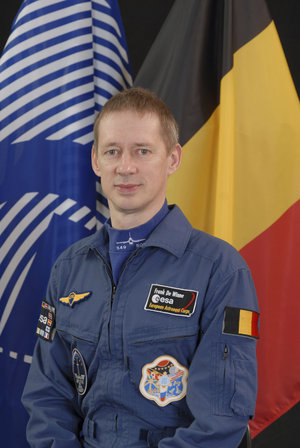
Follow these instructions to post a video response to Frank De Winne's video message on ESA's YouTube channel. The best questions will receive an answer from Frank De Winne, maybe even directly from space!
Login to YouTube using your YouTube or Google account, or create a new YouTube account and use this to login.
Go to www.youtube.com/esa to access the ESA YouTube channel. Click on the title below the Frank De Winne video trailer shown in the large window on the ESA YouTube channel. Alternatively you can also access the video trailer directly using this link: http://www.youtube.com/watch?v=okpNcG3vu_E
A new browser window opens showing the main video on its own. Click on the link 'Post a Video Response', located below the video window.
A new browser window opens showing all the video response options. Click on the left option 'Record a Video'. Text fields appear, these are used to describe your video response.
Fill out the details as follows:
- Title: OasISS Question - [Your Name]
- Description: [Write your question here]
- Tags: OasISS Q&A, ESA, European Space Agency
Now click on the 'Record a Video' button to the right of the text fields. A new video window opens, and the 'Adobe Flash Player Settings' dialogue box is displayed. Once you select the 'Allow' option, your webcam becomes active and you will see yourself in the video window. Click on the 'Close' button to close the 'Adobe Flash Player Settings' dialogue box.
Start recording your question by clicking the 'Record' button under the video window.
Always remember to ask your question as follows:
- Start by telling us your name.
- Tell us the city and country you are from.
- Ask your question.
- To stop the recording press the 'Stop' button under the video window.
Important note: Questions will be accepted in English, French and Flemish. Frank De Winne will respond to you in one of these languages.
Don't have a webcam? You can also post your questions using a video response recorded by other means. Use the options in the 'Post a Video Response' window to either select a video you have already uploaded to YouTube, or to upload a new video.